Milla Homes
A real-estate portal I gave myself one rule to build: make it actually professional.
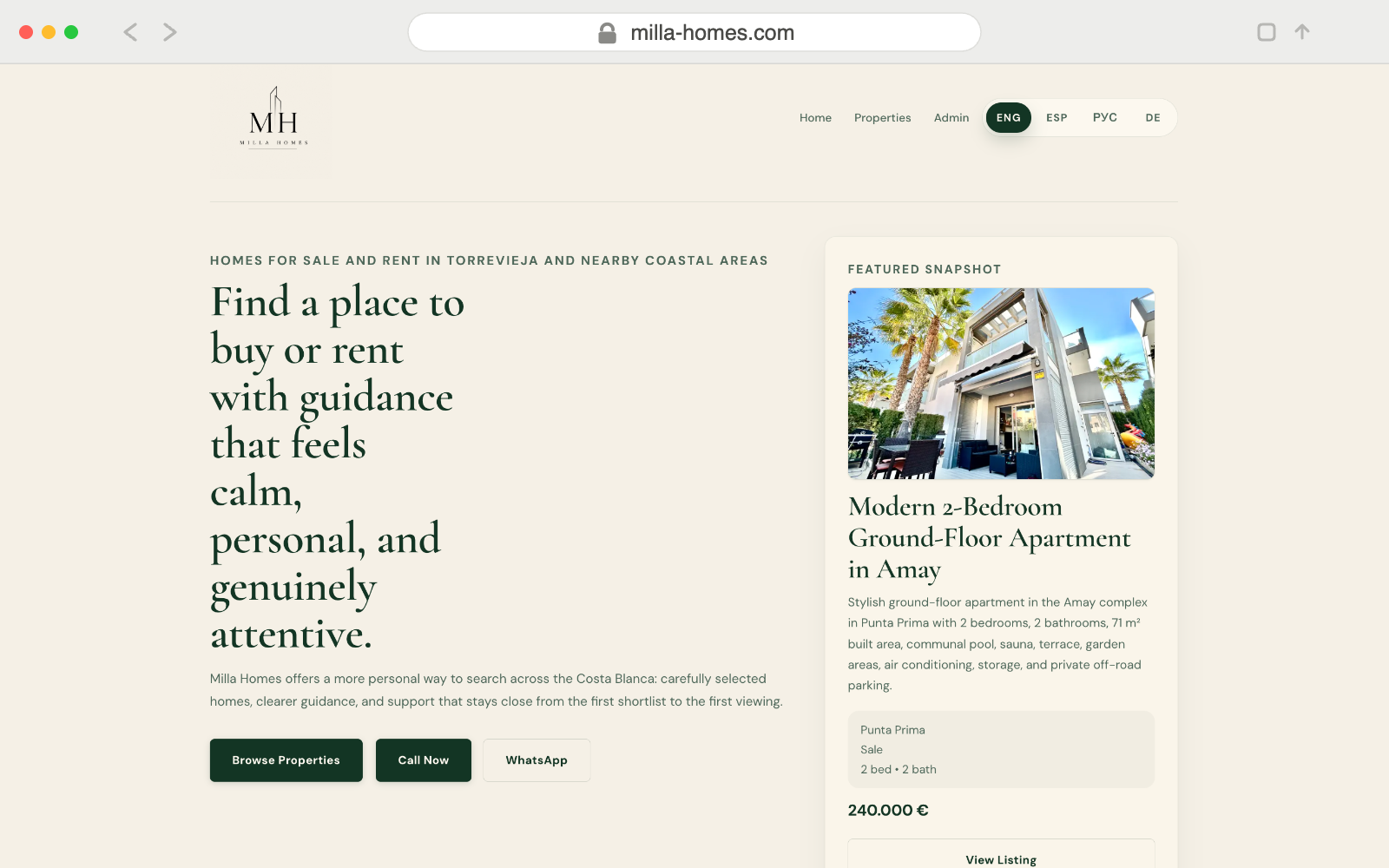
Milla Homes is a property portal I designed and built solo for a real-estate agency. Most property sites in Switzerland are functional and forgettable — dense, slow, built without much thought for the person searching for a home. I wanted to prove one developer, working carefully, could ship something genuinely professional. One self-imposed rule: every design decision comes from a written system, not from intuition in the moment.
Swiss property sites are functional and forgettable.
Browse real-estate portals in Switzerland and most feel like database dumps with a stylesheet. Dense listing grids, inconsistent spacing, property photos in random aspect ratios, and no apparent thought for how someone actually searches for a home. The technical bar is low; the design bar is lower.
I wanted to see what a single developer with a real design process could ship in a constrained timeframe. The brief I set: strict design system before any code, multilingual from day one — Switzerland has four language regions — and a CMS so the client can update listings without ever calling a developer.
Figma first. Always.
I spent the first week entirely in Figma: typography scale (two typefaces, six sizes), spacing system on an 8px grid, every component variant — property card, filter pill, photo gallery, nav states. No VS Code until the system was done.
The rule held throughout: if a decision isn't in the design system, it doesn't go in the product. This felt slow at first. By week three, every new page took half the time because every decision had already been made. Design systems pay for themselves.
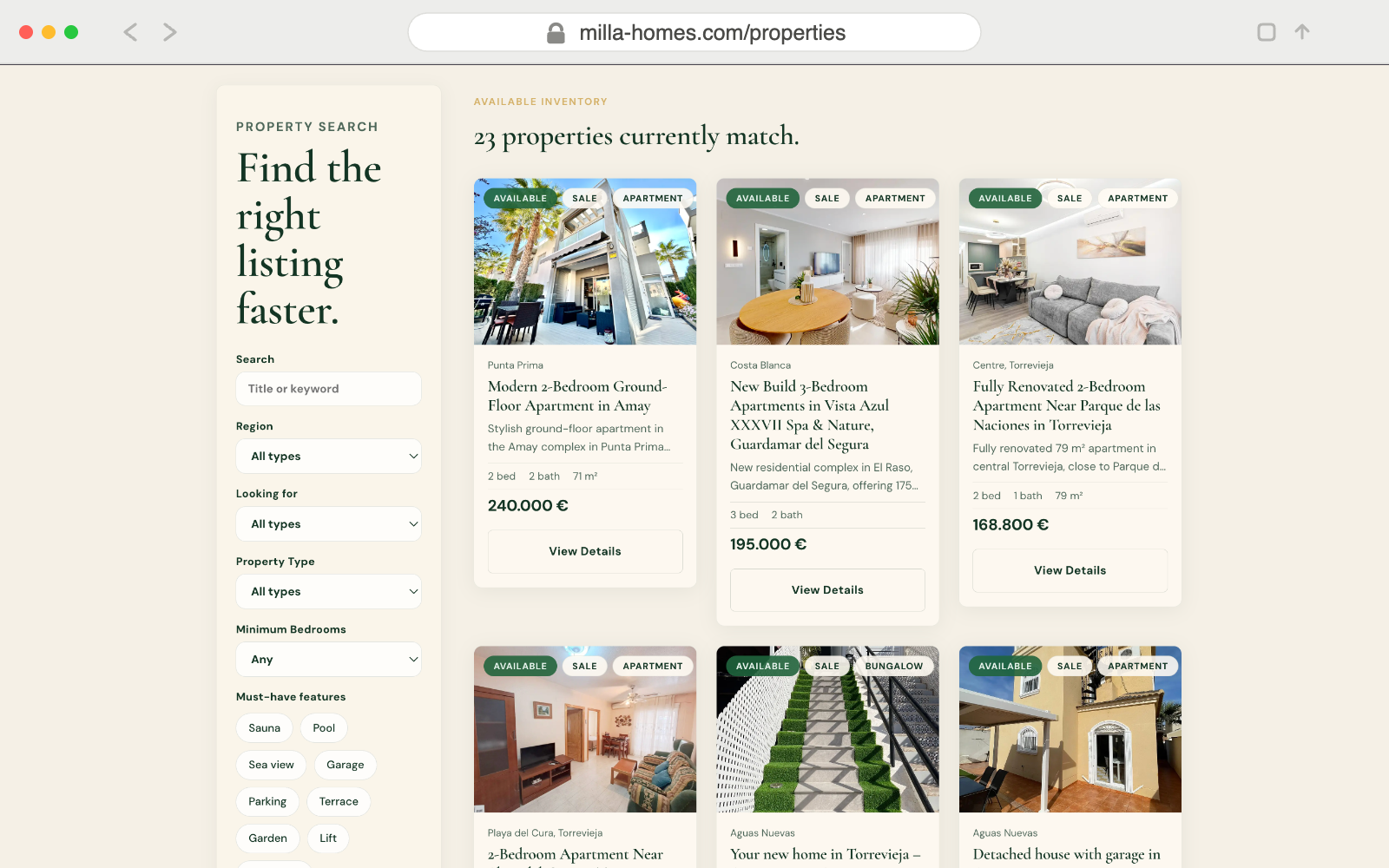
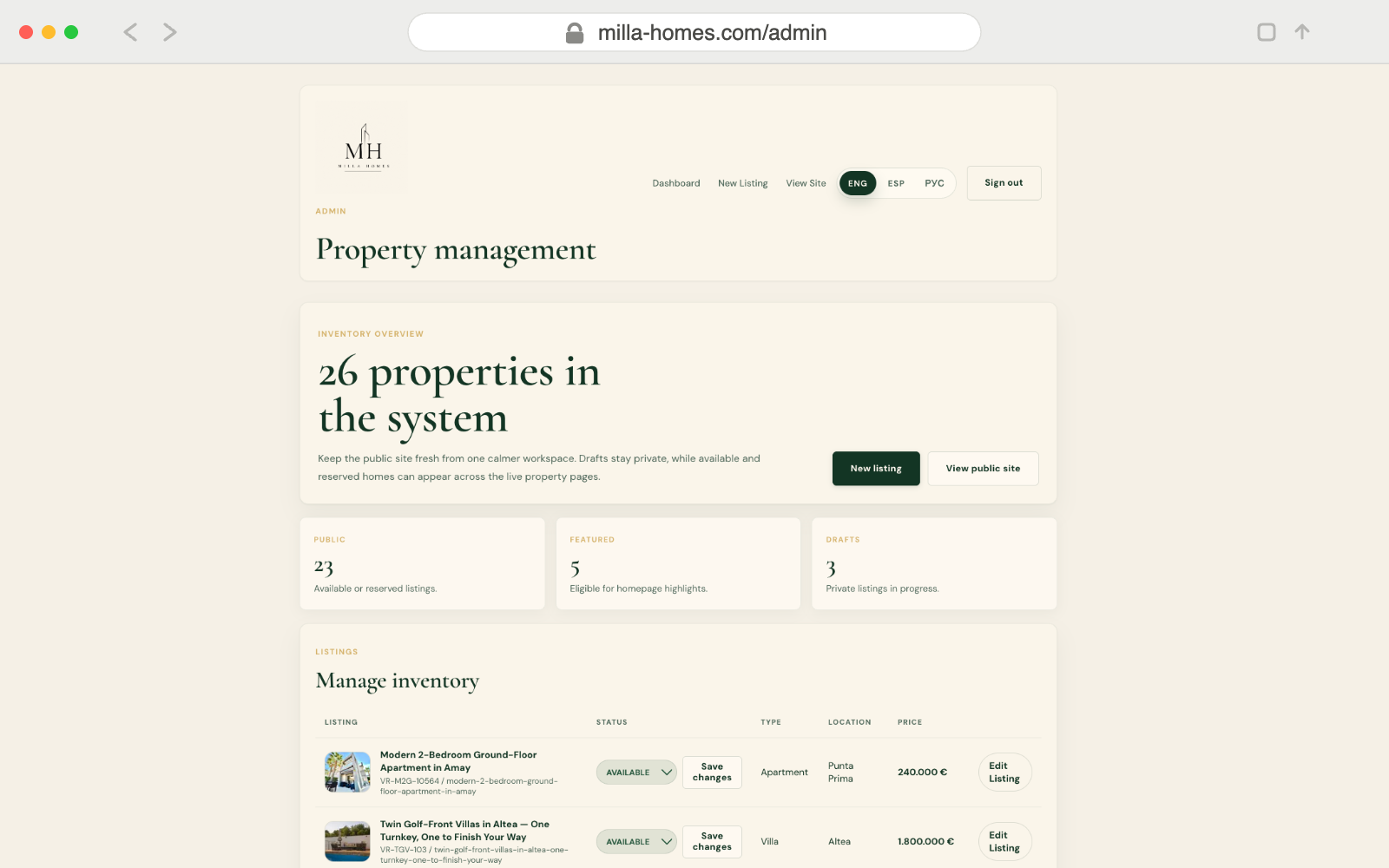
Listings, search, three languages, and an admin that actually gets used.
Four distinct surfaces, each with different requirements and different users.
Why these tools.
A handful of architectural choices defined the whole project.
The honest retrospective.
- Design systems pay for themselves. The week in Figma felt like a tax on delivery. By week four, every new component took 20 minutes because the decisions — spacing, colour, type — were already made.
- Cache invalidation needs to be mapped before you build it. When the admin saves a listing, what paths revalidate? The detail page, the listings index, the sitemap. Figure that out upfront, not after you've shipped stale data.
- Supabase RLS is powerful but takes real time to internalise. Policies are SQL expressions that run on every query — elegant once the mental model clicks, mysterious until it does.
- Real clients use 40% of what you design. The admin I shipped had fewer features than I prototyped. Those are the features that get used every week. Shipping less, sooner, is almost always the right call.